

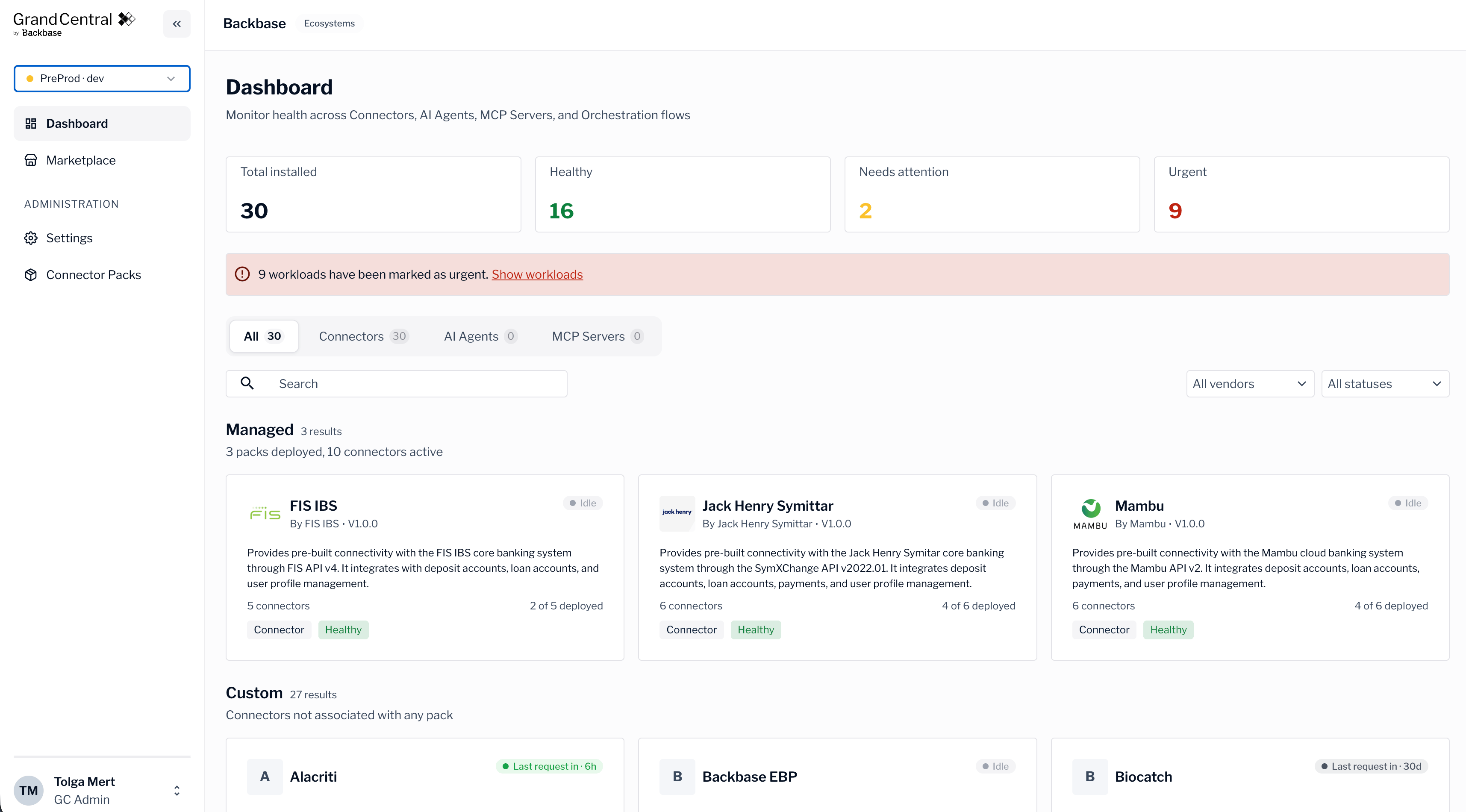
What you can do
The console brings your integration environment into a single view.Monitor your integrations
See deployed packs and live connector health across your runtimes.
Browse the marketplace
Explore connector packs and see what’s available for your installation.
Manage your team
Invite members, set roles, and control who can access each runtime.
Sign in
Sign in with your organization account and choose a runtime.
How your installation is organized
Your installation is your organization’s dedicated space in Grand Central. Everything you see in the console is scoped to your installation, so you only work with your own data. Each installation contains one or more runtimes. A runtime is a separate environment, such as a test or production environment, where your connectors run. You select a runtime after you sign in, and the dashboard, connector health, and team access all reflect the runtime you choose. The following table describes the main concepts in the console.Who the console is for
Access depends on the role assigned to you. Members with an Admin or Viewer role work within a single installation. A GC Admin is the highest-level role and also manages the connector pack catalog. For more information about roles, see Manage your team.Next steps
Sign in to the console
Sign in and select the runtime you want to work with.